> ## Documentation Index
> Fetch the complete documentation index at: https://docs.prowler.com/llms.txt
> Use this file to discover all available pages before exploring further.
# Social Login Configuration
export const VersionBadge = ({version}) => {
return
Added in:
{version}
;
};
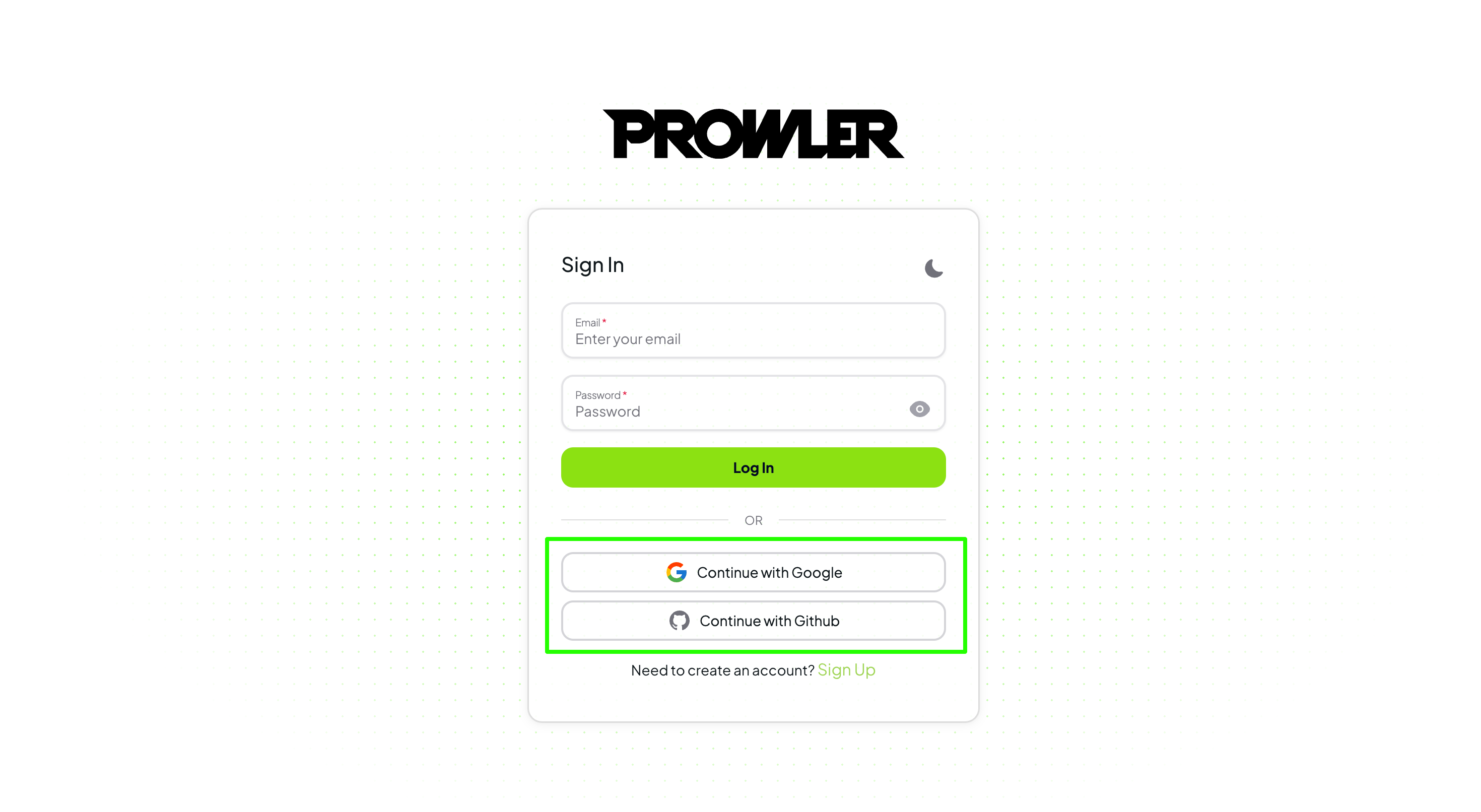
**Prowler App** supports social login using Google and GitHub OAuth providers. This document guides you through configuring the required environment variables to enable social authentication.
 ## Configuring Social Login Credentials
To enable social login with Google and GitHub, you must define the following environment variables:
### Google OAuth Configuration
Set the following environment variables for Google OAuth:
```env theme={null}
SOCIAL_GOOGLE_OAUTH_CLIENT_ID=""
SOCIAL_GOOGLE_OAUTH_CLIENT_SECRET=""
```
### GitHub OAuth Configuration
Set the following environment variables for GitHub OAuth:
```env theme={null}
SOCIAL_GITHUB_OAUTH_CLIENT_ID=""
SOCIAL_GITHUB_OAUTH_CLIENT_SECRET=""
```
### Important Notes
* If either `SOCIAL_GOOGLE_OAUTH_CLIENT_ID` or `SOCIAL_GOOGLE_OAUTH_CLIENT_SECRET` is empty or not defined, the Google login button will be disabled.
* If either `SOCIAL_GITHUB_OAUTH_CLIENT_ID` or `SOCIAL_GITHUB_OAUTH_CLIENT_SECRET` is empty or not defined, the GitHub login button will be disabled.
## Configuring Social Login Credentials
To enable social login with Google and GitHub, you must define the following environment variables:
### Google OAuth Configuration
Set the following environment variables for Google OAuth:
```env theme={null}
SOCIAL_GOOGLE_OAUTH_CLIENT_ID=""
SOCIAL_GOOGLE_OAUTH_CLIENT_SECRET=""
```
### GitHub OAuth Configuration
Set the following environment variables for GitHub OAuth:
```env theme={null}
SOCIAL_GITHUB_OAUTH_CLIENT_ID=""
SOCIAL_GITHUB_OAUTH_CLIENT_SECRET=""
```
### Important Notes
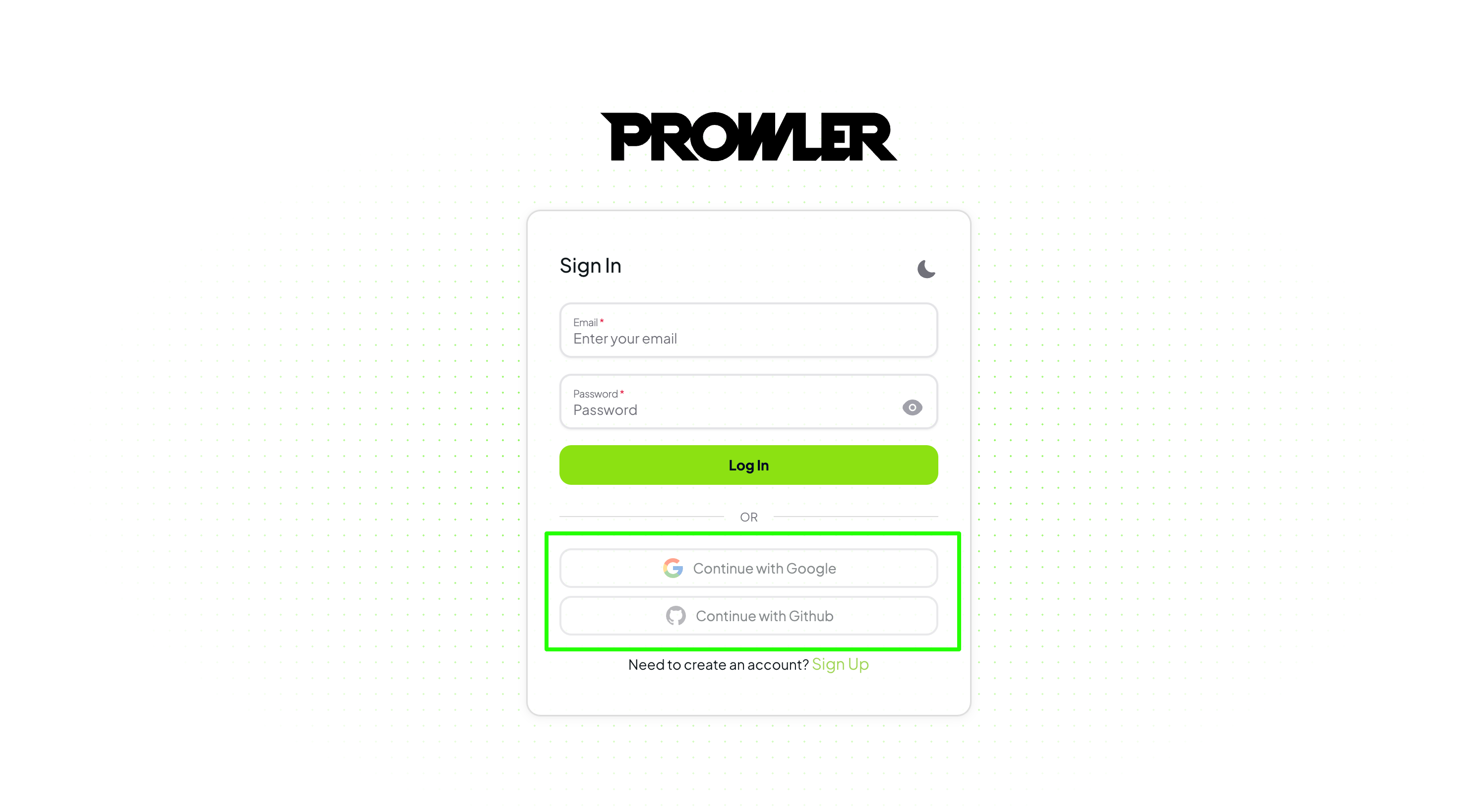
* If either `SOCIAL_GOOGLE_OAUTH_CLIENT_ID` or `SOCIAL_GOOGLE_OAUTH_CLIENT_SECRET` is empty or not defined, the Google login button will be disabled.
* If either `SOCIAL_GITHUB_OAUTH_CLIENT_ID` or `SOCIAL_GITHUB_OAUTH_CLIENT_SECRET` is empty or not defined, the GitHub login button will be disabled.
 ## Obtaining OAuth Credentials
To obtain `CLIENT_ID` and `CLIENT_SECRET` for each provider, follow their official documentation:
* **Google OAuth**: [Google OAuth Credentials Setup](https://developers.google.com/identity/protocols/oauth2)
* **GitHub OAuth**: [GitHub OAuth App Setup](https://docs.github.com/en/apps/oauth-apps/building-oauth-apps/creating-an-oauth-app)
### Overview of the Steps
For both providers, the process generally involves:
1. Registering your application in the provider's developer portal.
2. Defining the authorized redirect URL (`SOCIAL__OAUTH_CALLBACK_URL`).
3. Copying the generated `CLIENT_ID` and `CLIENT_SECRET` into the corresponding environment variables.
Once completed, ensure your environment variables are correctly loaded in your Prowler deployment to activate social login.
## Obtaining OAuth Credentials
To obtain `CLIENT_ID` and `CLIENT_SECRET` for each provider, follow their official documentation:
* **Google OAuth**: [Google OAuth Credentials Setup](https://developers.google.com/identity/protocols/oauth2)
* **GitHub OAuth**: [GitHub OAuth App Setup](https://docs.github.com/en/apps/oauth-apps/building-oauth-apps/creating-an-oauth-app)
### Overview of the Steps
For both providers, the process generally involves:
1. Registering your application in the provider's developer portal.
2. Defining the authorized redirect URL (`SOCIAL__OAUTH_CALLBACK_URL`).
3. Copying the generated `CLIENT_ID` and `CLIENT_SECRET` into the corresponding environment variables.
Once completed, ensure your environment variables are correctly loaded in your Prowler deployment to activate social login.