

 About Us
--fixer flag to run the fixes that are available for the checks that failed.
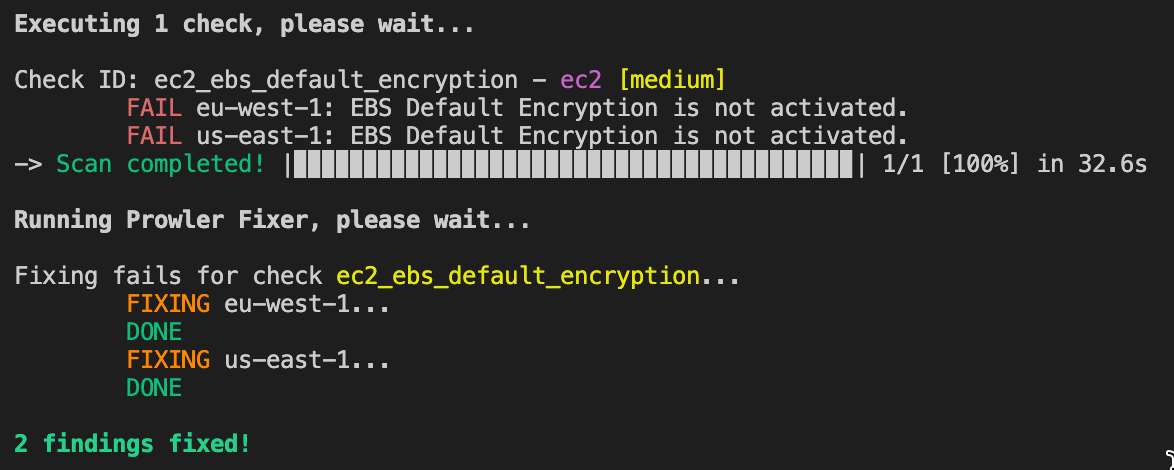
You can see all the available fixes for each provider with the
--list-remediations or --list-fixers flag.Access Analyzer, GuardDuty, and SecurityHub may incur additional costs. These AWS services might trigger actions or deploy resources that can lead to charges on your AWS account.
Writing a Fixer
To write a fixer, you need to create a file called<check_id>_fixer.py inside the check folder, with a function called fixer that receives either the region or the resource to be fixed as a parameter, and returns a boolean value indicating if the fix was successful or not.
For example, the regional fixer for the ec2_ebs_default_encryption check, which enables EBS encryption by default in a region, would look like this:
s3_account_level_public_access_blocks check, which enables the account-level public access blocks for S3, would look like this:
Fixer Config File
For some fixers, you can have configurable parameters depending on your use case. You can either use the default config file inprowler/config/fixer_config.yaml or create a custom config file and pass it to the fixer with the --fixer-config flag. The config file should be a YAML file with the following structure: