Documentation Index

Fetch the complete documentation index at: https://docs.prowler.com/llms.txt

Use this file to discover all available pages before exploring further.

Prowler for Vercel scans teams and projects for security misconfigurations, including deployment protection, environment variable exposure, WAF rules, domain configuration, team access controls, and more.

Prerequisites

Set up authentication for Vercel with the Vercel Authentication guide before starting:
  • Create a Vercel API Token with access to the target team
  • Identify the Team ID (optional, required to scope the scan to a single team)

Prowler Cloud

Onboard Vercel using Prowler Cloud

Prowler CLI

Onboard Vercel using Prowler CLI

Prowler Cloud

Step 1: Add the Provider

  1. Go to Prowler Cloud or launch Prowler App.
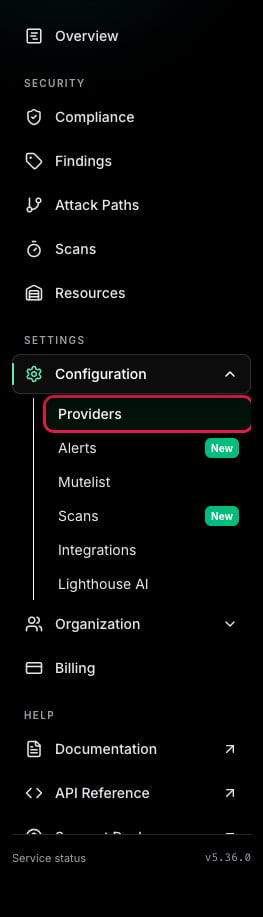
  2. Navigate to “Configuration” > “Providers”. Providers Page
  3. Click “Add Provider”. Add a Provider
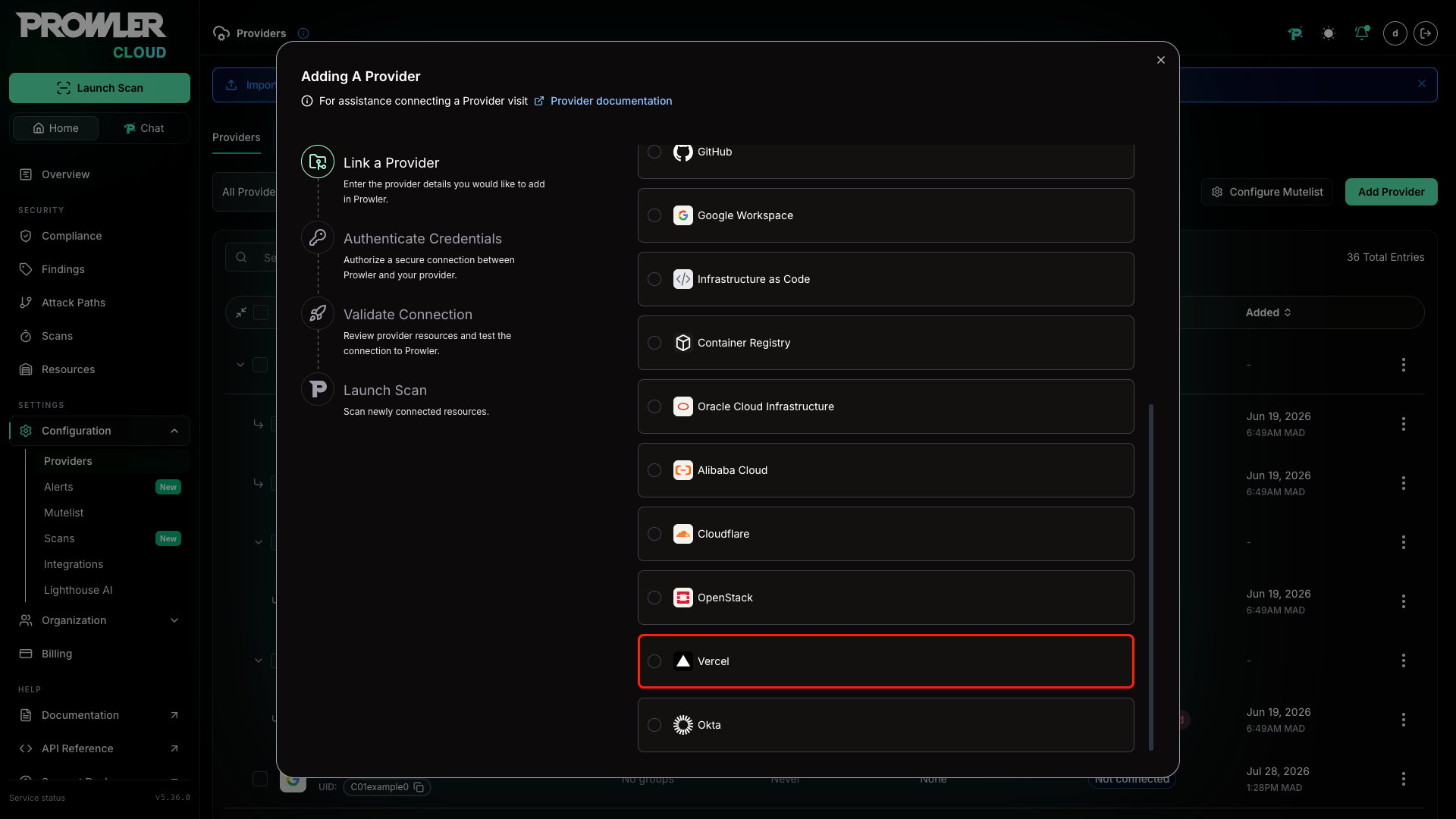
  4. Select “Vercel”. Select Vercel
  5. Enter the Team ID and an optional alias, then click “Next”. Add Vercel Team ID
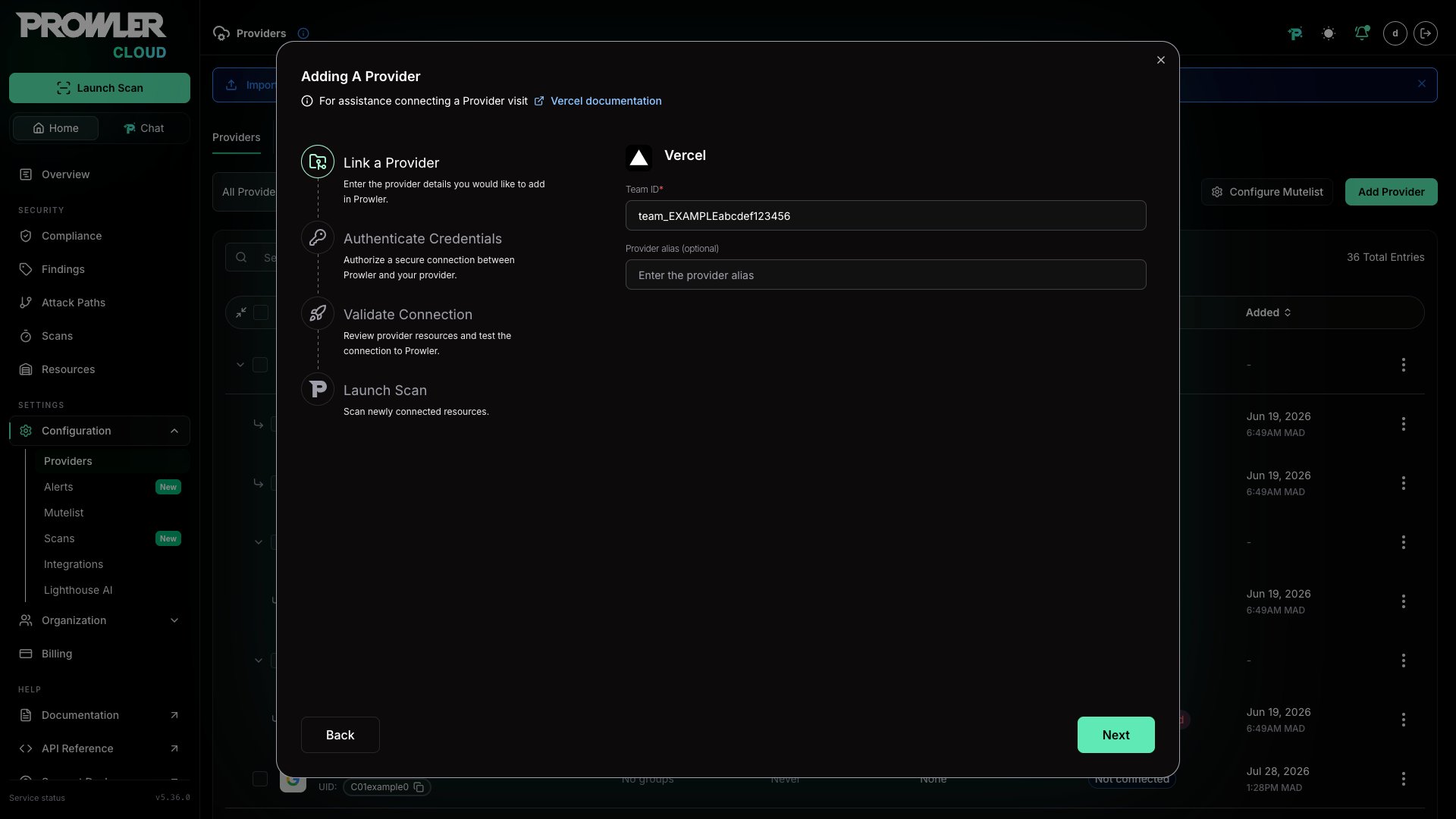
The Team ID can be found in the Vercel Dashboard under “Settings” > “General”. It follows the format team_xxxxxxxxxxxxxxxxxxxx. For detailed instructions, see the Authentication guide.

Step 2: Provide Credentials

  1. Enter the API Token created in the Vercel Dashboard. API Token Form
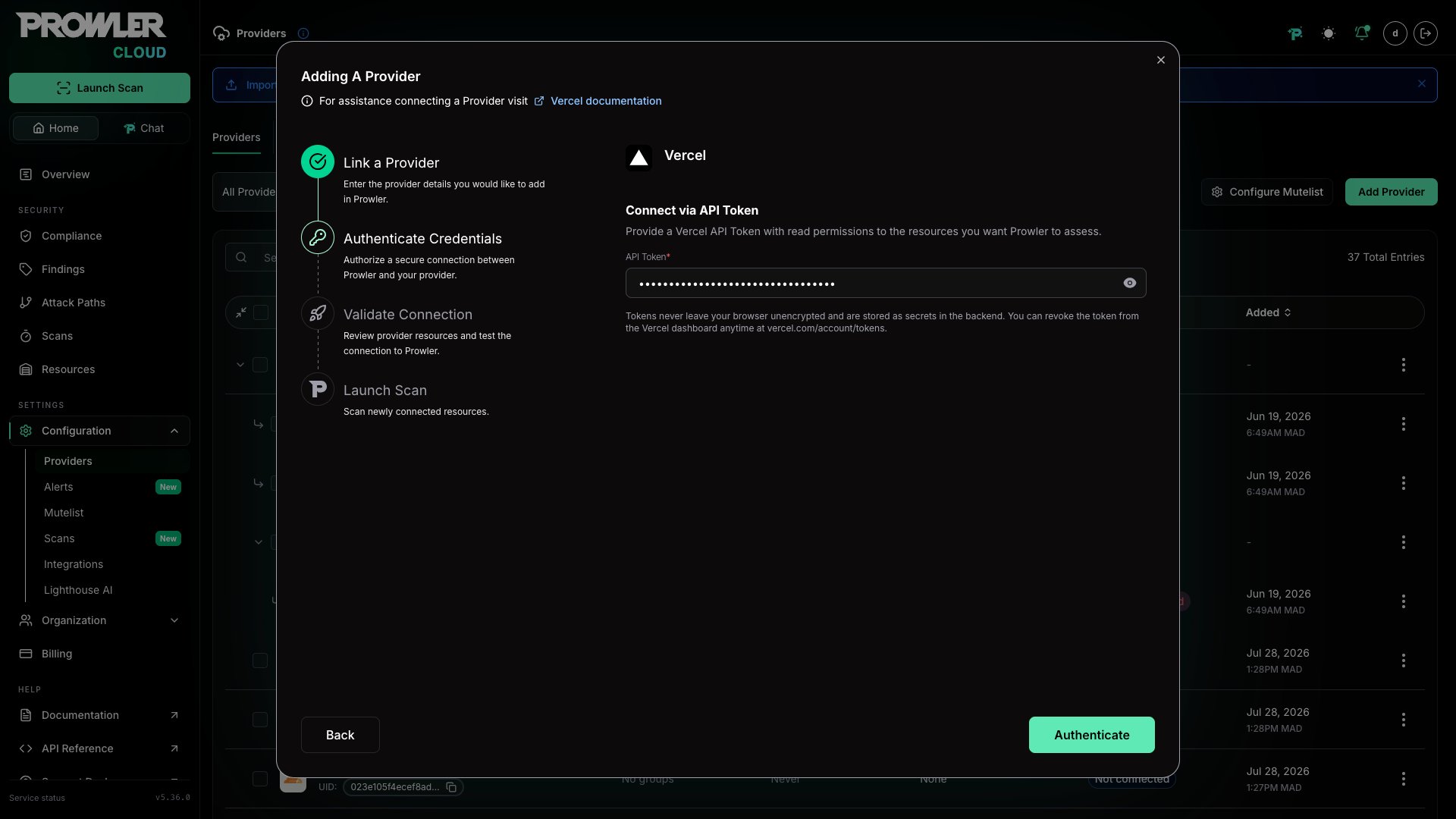
For the complete token creation workflow, follow the Authentication guide.

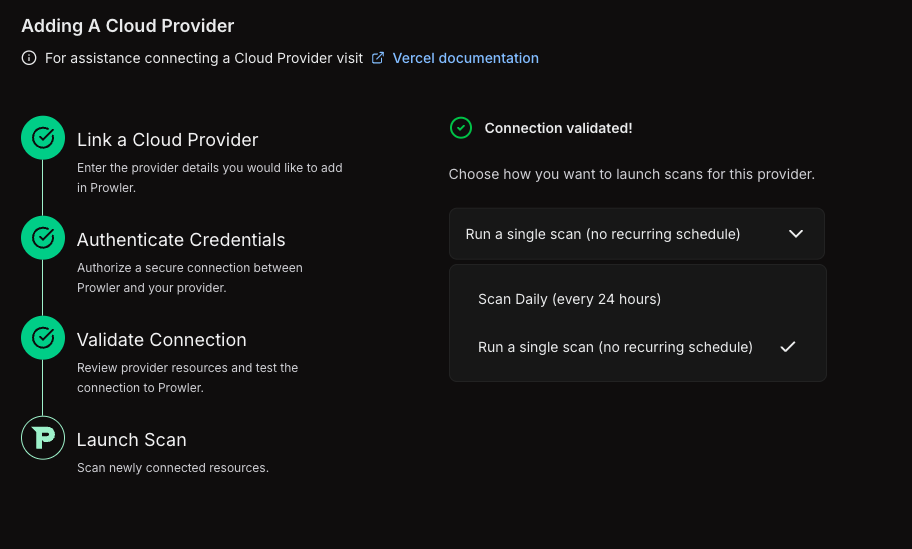
Step 3: Launch the Scan

  1. Review the connection summary.
  2. Choose the scan schedule: run a single scan or set up daily scans (every 24 hours).
  3. Click Launch Scan to start auditing Vercel. Launch Scan
Prowler CLI

Step 1: Set Up Authentication

Follow the Vercel Authentication guide to create an API Token, then export it:
export VERCEL_TOKEN="your-api-token-here"
Optionally, scope the scan to a specific team:
export VERCEL_TEAM="team_yourteamid"

Step 2: Run the First Scan

Run a baseline scan after credentials are configured:
prowler vercel
Prowler automatically discovers all teams accessible with the provided token and runs security checks against them.

Step 3: Filter the Scan Scope (Optional)

Filter by Team

To scan a specific team, set the VERCEL_TEAM environment variable with the Team ID or slug:
export VERCEL_TEAM="team_yourteamid"
prowler vercel
When no team is specified, Prowler auto-discovers all teams the authenticated user belongs to and scans each one.

Filter by Project

To scan only specific projects, use the --project argument:
prowler vercel --project my-project-name
Multiple projects can be specified:
prowler vercel --project my-project-name another-project
Project IDs are also supported:
prowler vercel --project prj_abc123def456

Step 4: Use a Custom Configuration (Optional)

Prowler uses a configuration file to customize provider behavior. The Vercel configuration includes:
vercel:
  # Maximum number of retries for API requests (default is 3)
  max_retries: 3
To use a custom configuration:
prowler vercel --config-file /path/to/config.yaml

Supported Services

Prowler for Vercel includes security checks across the following services:
ServiceDescription
AuthenticationToken expiration and staleness checks
DeploymentPreview deployment access and production stability
DomainDNS configuration, SSL certificates, and wildcard exposure
ProjectDeployment protection, environment variable security, fork protection, and skew protection
SecurityWeb Application Firewall (WAF), rate limiting, IP blocking, and managed rulesets
TeamSSO enforcement, directory sync, member access, and invitation hygiene

Checks With Explicit Plan-Based Behavior

Prowler currently includes 26 Vercel checks. The 11 checks below have explicit billing-plan handling in the provider metadata or check logic. When the scanned scope reports a billing plan, Prowler adds plan-aware context to findings for these checks. If the API does not expose the required configuration, Prowler may return MANUAL and require verification in the Vercel dashboard.
Check IDHobbyProEnterpriseNotes
project_password_protection_enabledNot availableAvailable as a paid add-onAvailableChecks password protection for deployments
project_production_deployment_protection_enabledNot availableAvailable with supported paid deployment protection optionsAvailableChecks protection for production deployments
project_skew_protection_enabledNot availableAvailableAvailableChecks skew protection during rollouts
security_custom_rules_configuredNot availableAvailableAvailableReturns MANUAL when the firewall configuration cannot be assessed from the API
security_ip_blocking_rules_configuredNot availableAvailableAvailableReturns MANUAL when the firewall configuration cannot be assessed from the API
team_saml_sso_enabledNot availableAvailableAvailableChecks team SAML SSO configuration
team_saml_sso_enforcedNot availableAvailableAvailableChecks SAML SSO enforcement for all team members
team_directory_sync_enabledNot availableNot availableAvailableChecks SCIM directory sync
security_managed_rulesets_enabledBot Protection and AI Bots managed rulesetsBot Protection and AI Bots managed rulesetsAll managed rulesets, including OWASP Core RulesetReturns MANUAL when the firewall configuration cannot be assessed from the API
security_rate_limiting_configuredNot availableAvailableAvailableReturns MANUAL when the firewall configuration cannot be assessed from the API
security_waf_enabledNot availableAvailableAvailableReturns MANUAL when the firewall configuration cannot be assessed from the API
The five firewall-related checks (security_waf_enabled, security_custom_rules_configured, security_ip_blocking_rules_configured, security_rate_limiting_configured, and security_managed_rulesets_enabled) return MANUAL when the firewall configuration endpoint is not accessible from the API. The other 15 current Vercel checks do not currently include plan-specific handling in provider logic, but every Vercel check includes exactly one billing-plan metadata category (vercel-hobby-plan, vercel-pro-plan, or vercel-enterprise-plan) alongside its functional security category.