

 About Us
Focusing on Queries with Data
Running an Attack Paths query against a scan that contains no matching pattern returns an empty graph. Without automatic filtering, identifying the queries that apply to an account means opening each one and checking whether it produces a result. Running the RDS inventory query on an account with no RDS instances, for example, returns a “No data found” message.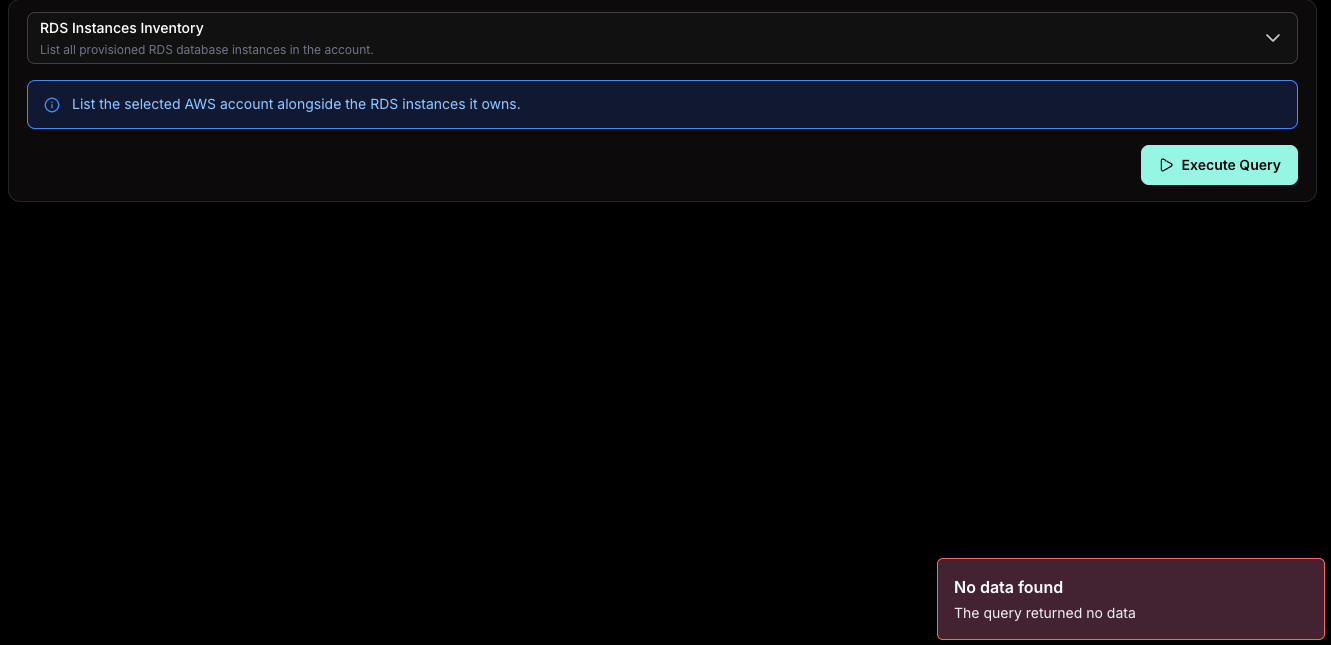
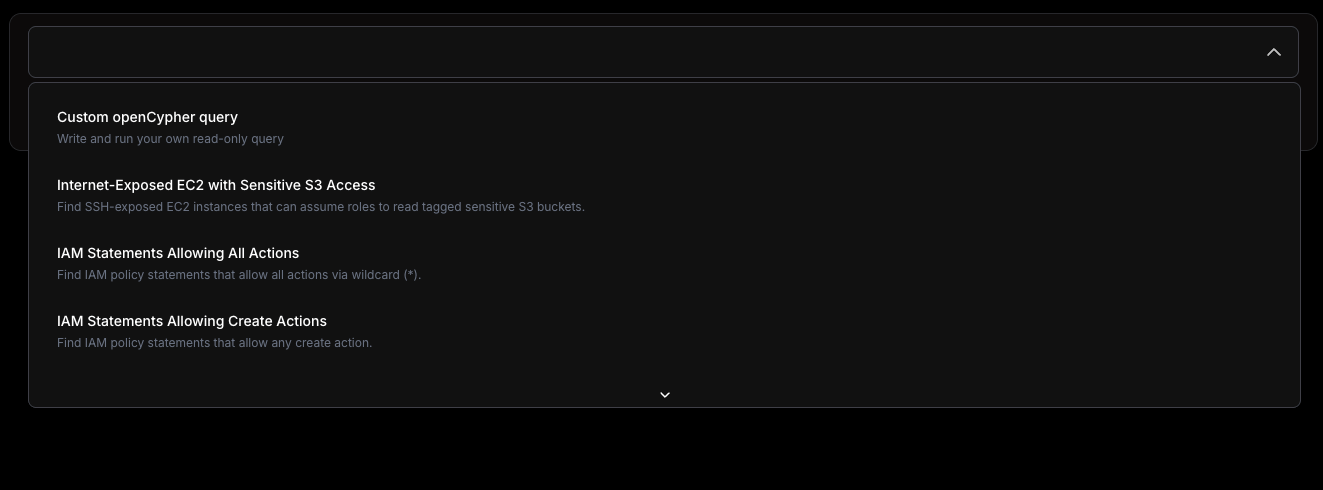
- Errored queries remain listed. An error is not the same as an empty result and still requires investigation.
- Unknown queries remain listed. Their result for the scan has not been recorded yet.
- Parameterized queries remain listed. Their output depends on the input values provided at run time.
Browsing the Full Query Catalog on Prowler Hub
The query selector shows the queries relevant to the selected scan, not the entire catalog. To review every built-in Attack Paths query, including the ones hidden for a given scan, browse the complete catalog on Prowler Hub. Prowler Hub lists each query with its name, description, and the technique it detects, so security teams can plan coverage and understand detection scope without running a scan first.Related Pages
- Attack Paths - Run built-in and custom queries and explore the resulting graph.
- Attack Paths Queries - Write and maintain openCypher queries in the Developer Guide.